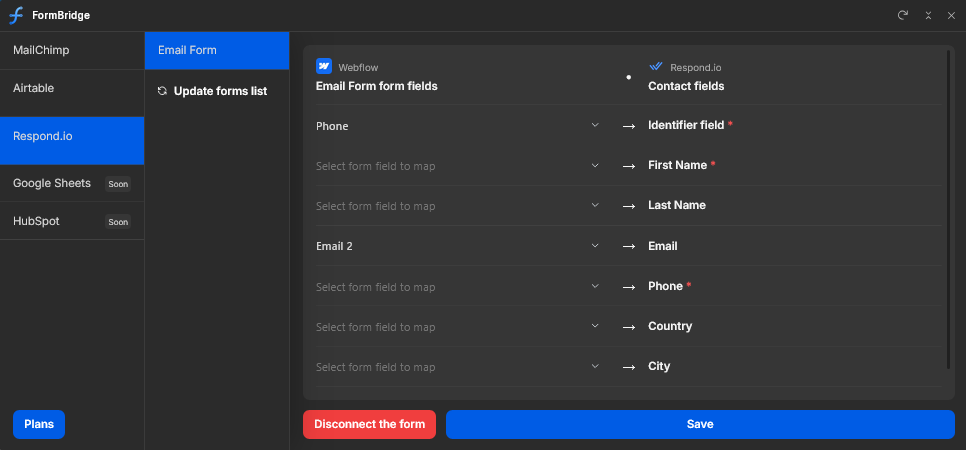
FormBridge:
Lead Flow to CRM
& Email Tools
Choose your favorite marketing tool, map form fields in seconds, and automate your lead flow without any limits
Made for
Choose your favorite marketing tool, map form fields in seconds, and automate your lead flow without any limits
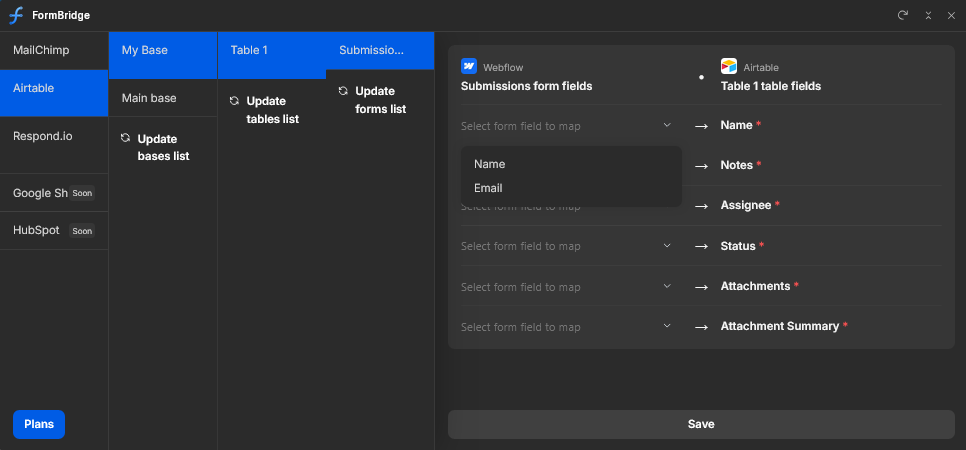

No coding required. Just a few clicks to bridge the gap between Webflow and your favorite apps. Spend 5 minutes setting up and let your data flow automatically forever.
Step 1
Install the FormBridge App directly into your Webflow
project from the Marketplace
Step 2
Securely link your account — whether it's a CRM, database, or marketing tool — in just a few clicks.
Step 3
Pick the Webflow form you want to sync and choose the destination for your data, such as a specific audience or table.
Step 4
Follow our simple on-screen instructions to complete the integration. Hit save, and your data will start flowing instantly.

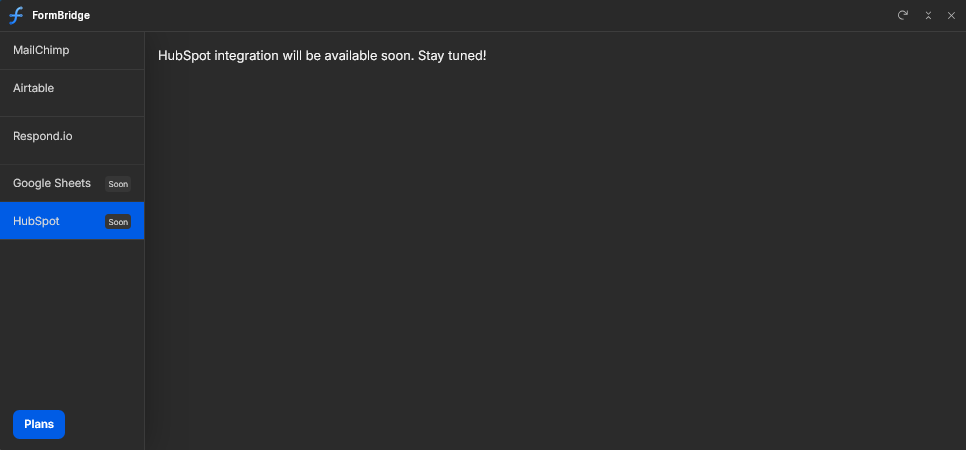
Connect Webflow forms to Mailchimp, Airtable, and respond.io — map fields in minutes, no code required.



We are Digital Butlers Team